
Temperature-sensitive workflow
Keep equipment fit, pickup timing, lane strength, and document needs visible on every opportunity.
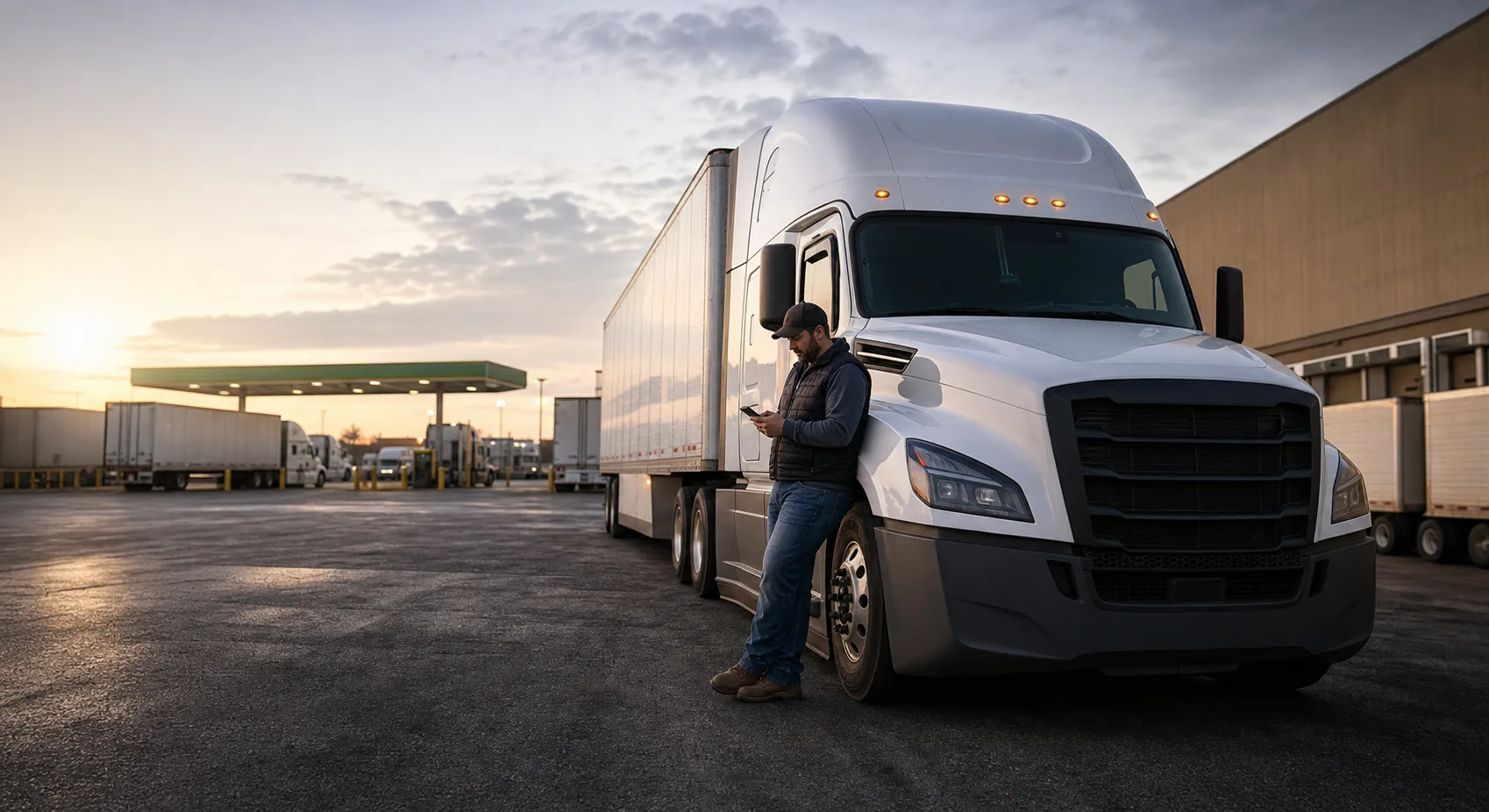
Reefer Load Board
Search refrigerated freight, review pickup dates and rate guidance, and keep carrier rules visible before dispatch follow-up begins.
Primary buyer
Carriers
Workflow
Lead to paid
Controls
Rules gated
Search Intent
This page connects search traffic to the actual LoadLadder workflow: the website explains the offer, the app runs the freight operation, and the admin OS controls load supply and dispatch.
Keep equipment fit, pickup timing, lane strength, and document needs visible on every opportunity.
Surface posted rates, known-rate gaps, pickup urgency, and reload potential before the call.
Managed dispatch stays inside the carrier's saved rules and authorization record.
What LoadLadder Connects
Questions
Yes. Reefer is part of the truck equipment filter set on the load board and carrier profile.
Yes. Users can save lane alerts with notification channel preferences once they create an account.
Loads, rates, lanes, one place
Try asking: