
POD-to-Invoice Workflow for Faster Freight Closeout
A delivered load is not financially closed. Cash starts moving when a readable POD and the required receipts become a complete packet, reach the right submission channel, and remain visible until accepted.
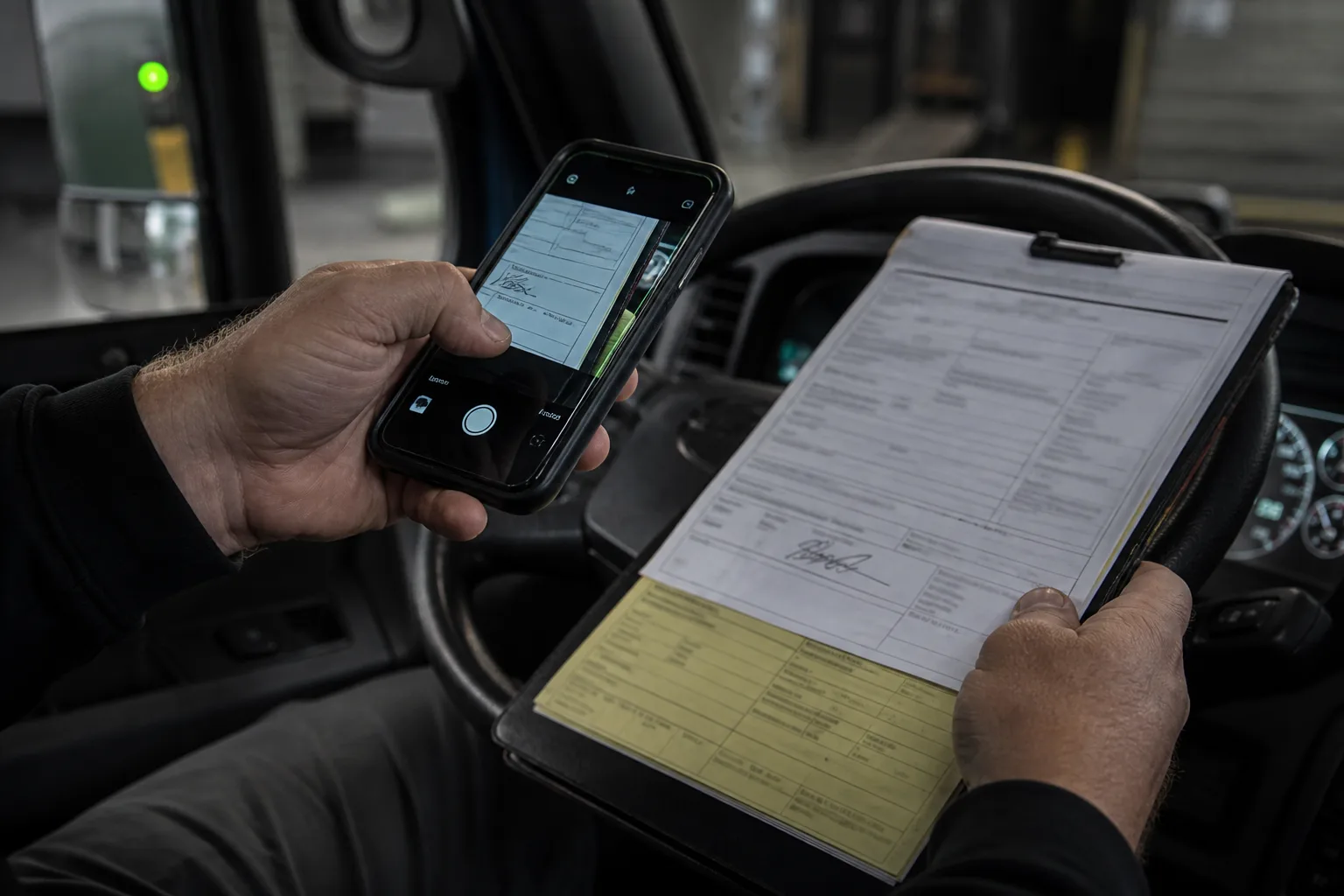
Quick answer
Quick answer
Collect and quality-check the signed POD immediately, attach the RateCon and receipts, resolve accessorials, build the invoice, submit through the required channel, and save proof of submission and follow-up status.
- Quality-check the POD before the driver leaves the facility.
- Keep accessorial evidence with the invoice packet.
- Save submission confirmation and the next follow-up date.
Capture the POD at delivery
Ask for all pages, readable signatures, printed names when available, delivery date, and exception notes. If a required field is missing or illegible, address it while the driver and facility can still resolve it.
Match the documents to the load
Use the load or confirmation number, carrier, broker, pickup, delivery, and invoice identity to prevent a correct document from landing in the wrong file.
- Rate confirmation
- Signed POD or delivery receipt
- BOL pages
- Lumper and other receipts
- Approved accessorial evidence
Resolve exceptions before submission
Shortage, damage, rejected product, unreadable times, missing receipts, or unapproved accessorials require a named owner. Do not silently send an incomplete packet and assume the payment team will fix it.
Submit exactly where required
Use the broker, factor, or shipper's required portal or email, naming convention, and invoice fields. Save the sent packet and confirmation so a later status question starts from evidence.
Keep the invoice in a follow-up queue
Record accepted, rejected, disputed, approved, and paid states separately. A clean dashboard should show which packets are waiting on the carrier, the counterparty, or an internal correction.