
Carrier-by-carrier consent
Connect only the provider account and vehicles the carrier authorizes, with a visible disconnect path.
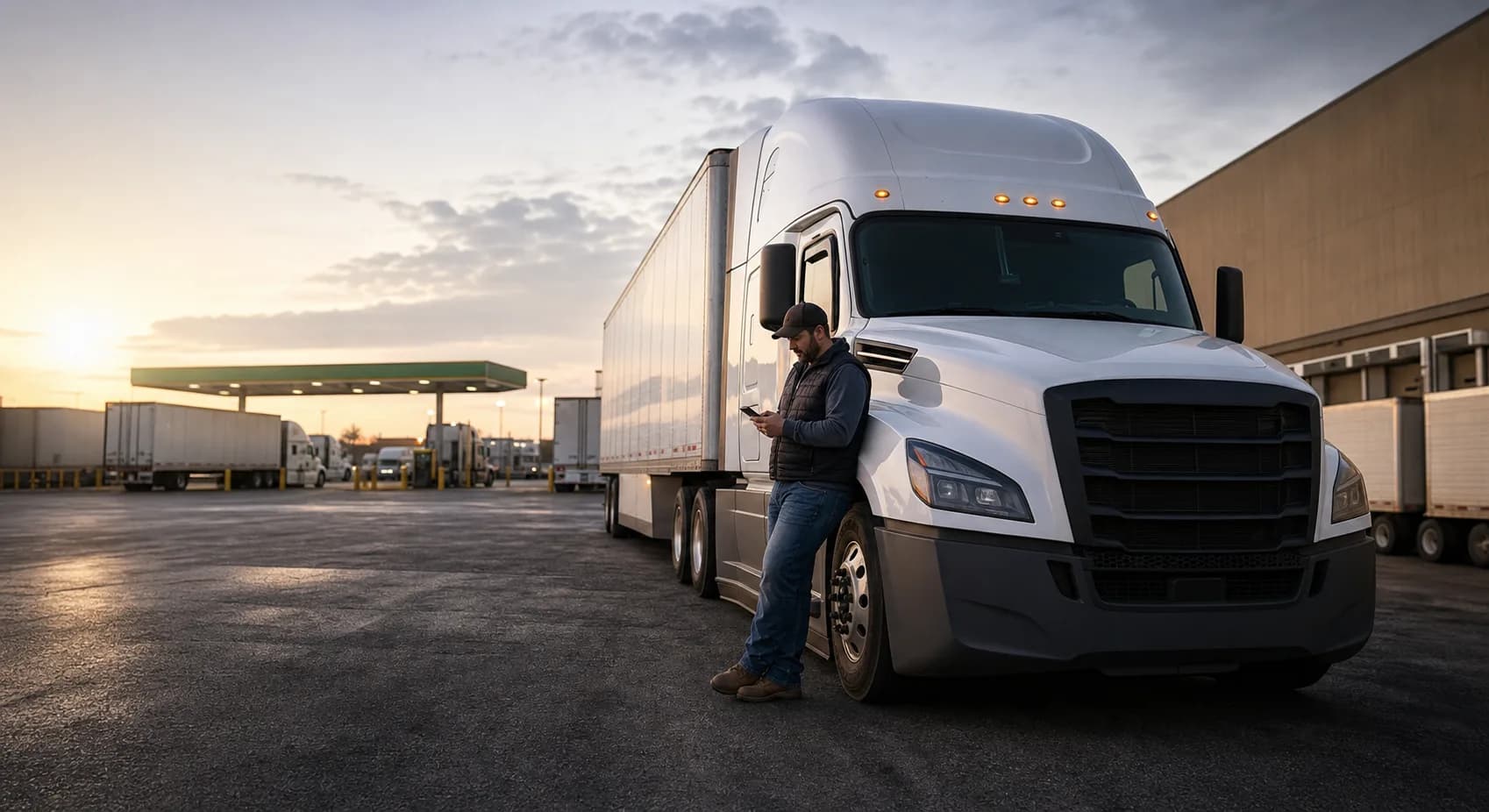
ELD Fleet Integration
LoadLadder connects supported ELD providers carrier by carrier and uses location and available-hours data as time-stamped dispatch context—not as permission to book or a compliance guarantee.
Primary buyer
Carriers & Fleets
Workflow
OAuth to signal
Controls
Least privilege
Current availability
Supported provider connections require each carrier's OAuth or service authorization, vehicle matching, and encrypted token storage.
Search Intent
This page connects search traffic to the actual LoadLadder workflow: the website explains the offer, the app runs the freight operation, and the admin OS controls load supply and dispatch.
Connect only the provider account and vehicles the carrier authorizes, with a visible disconnect path.
Show provider, observed time, vehicle match, location, and HOS availability without hiding stale or missing data.
Keep ELD context separate from authority, insurance, documents, billing, dispatch authorization, and carrier booking rules.
What LoadLadder Connects
Questions
No. ELD data is an operational signal. Carrier rules, consent, documents, billing, and load-specific approval remain separate gates.
No. Provider credentials and rotating tokens are stored server-side in an encrypted vault.
Loads, rates, lanes, one place
Try asking: